Place a "Printing Order"
This will be your custom print job that involves submission of your own artwork and specifications. If graphic design is needed, please contact Lisa Miller at 436-3317 or lisa.miller@oneonta.edu.
- Visit the Print Shop storefront and log into your user account.
- Click on “New Order” and select “Printing Order.”
- Select a category for your print job.
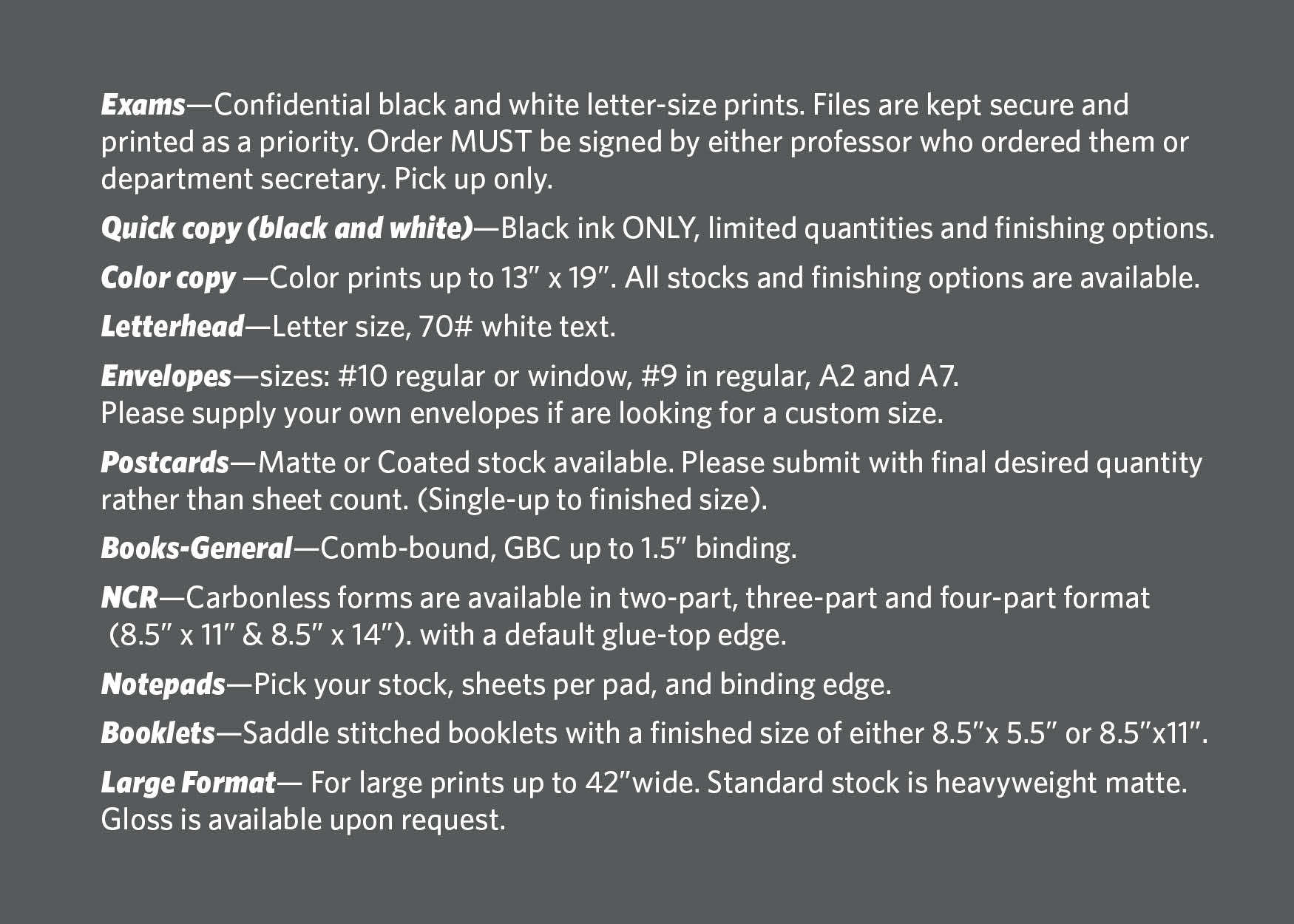
4. Choose your finish size
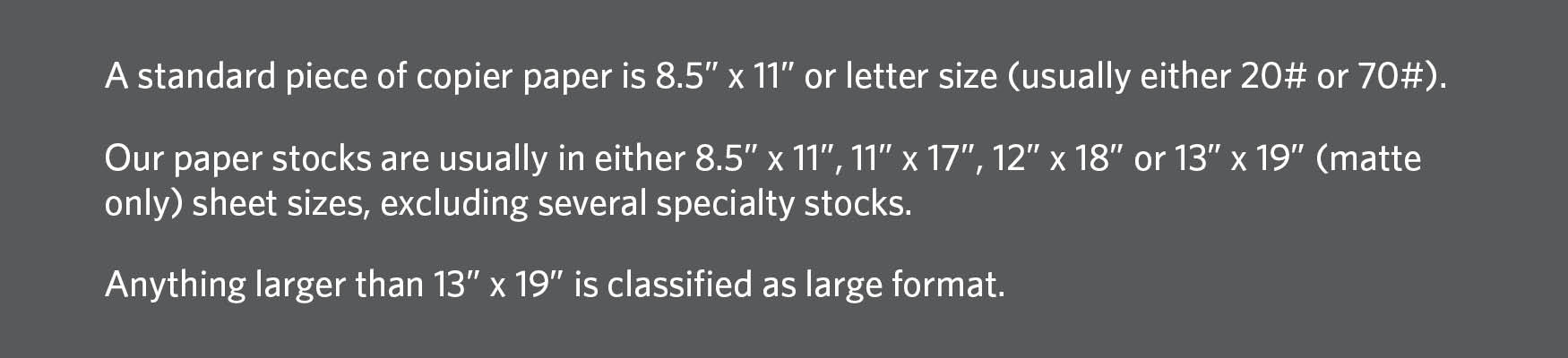
5. Enter all information for your job.
1. Select your paper type. Stock colors and availability may vary and is subject to change.
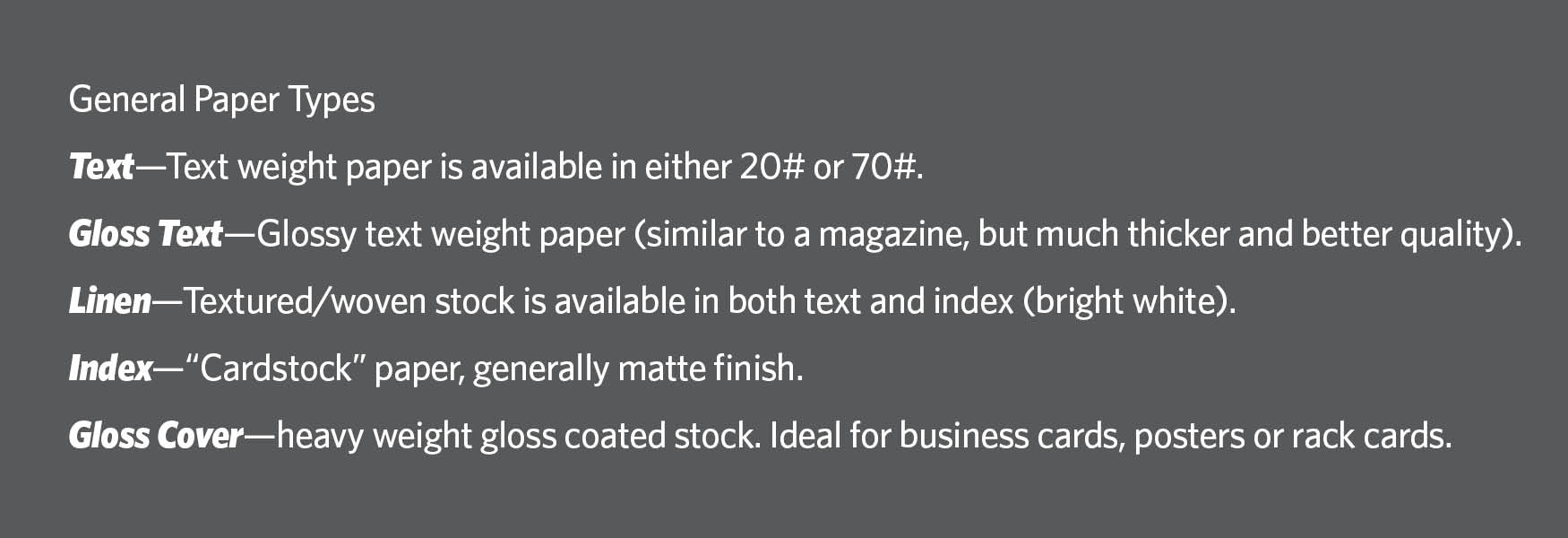
2. Select the number of copies (how many copies or sets you would like made of the document.)
3. Select the number of originals, which is the number of pages in your pdf document.
6. Choose your desired finishing options
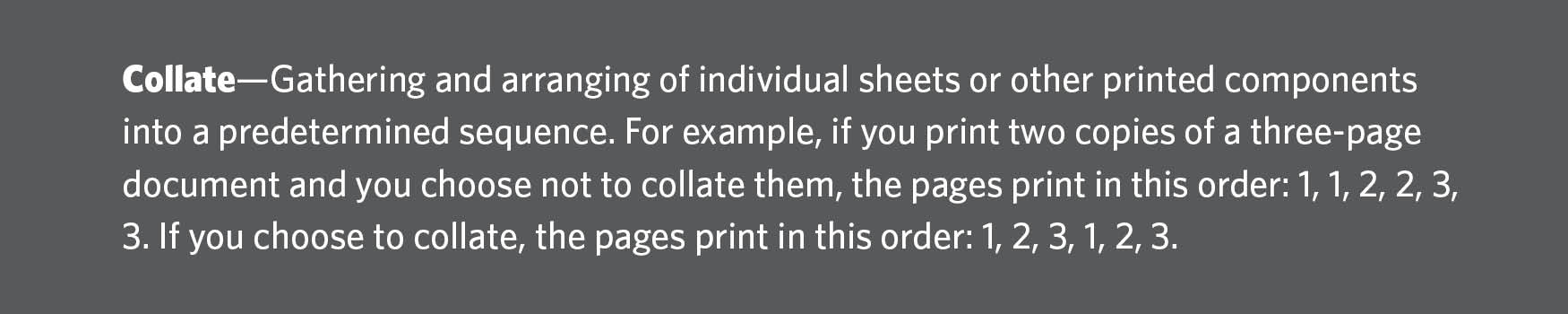
This is where you specify any of the following finishing options—
collating, binding, folding, cutting, hole punches, scoring, perforating or padding.
Jobs in different categories have default finishing options. Make sure to review this section in detail.
Please include any details that you feel may not have been covered in the “Special Instructions” comments box at the bottom of this page.
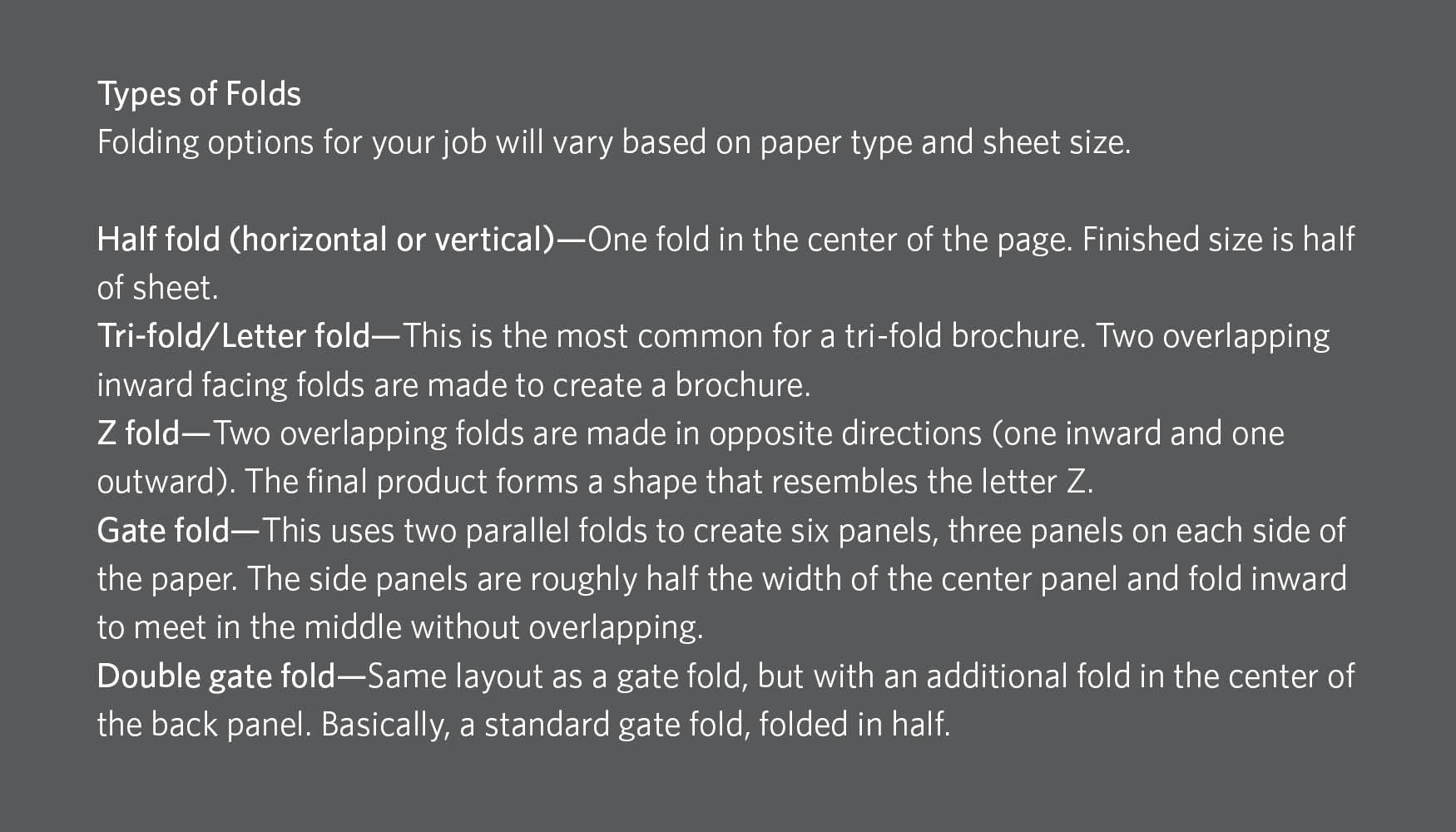

7. Attach your file.
- Files MUST be submitted in .pdf format to ensure consistency of your job. Any other files will not be accepted.
- If you plan on getting your file to us another way (whether it be through email, in person, or intercampus mail), skip uploading the file and let us know how we can expect to receive it in the notes section on the previous page.
8. Select your billing and delivery information.
- Designate what department or account number where you would like your order billed.
- Choose to either pick up your order at the Print Shop or have it shipped to you (some exceptions apply).
- Large format orders and exams WILL NOT be shipped.
- Intercampus mail will not deliver orders to offices in the Netzer Administration Building. Come on down to the basement and grab it from us in person!
- If your order is needed earlier than the automatically generated due date, YOU MUST CONTACT US DIRECTLY to guarantee your job delivery.
- Either “Finish” and submit your order or “Save As Quote” for future use.
Once your order is submitted you will receive a confirmation email.
If you wish to make corrections to your order after it has been submitted, please call or email us immediately*. You will be billed if your job has already been sent to production before we are notified of changes.
If you are notified that your order is pending new artwork, please email new files to printshop@oneonta.edu referencing your job ticket number. DO NOT CREATE A NEW JOB.
Check the status of an order
- Visit the Print Shop storefront and log into your user account.
- Click on the “My Orders” tab (the “My Orders” screen shows you a summary of all of the orders you have placed and their real-time status).
- Click “View” for details of a specific job.
Re-order a job
- Visit the Print Shop storefront and log into your user account.
- Click on the “My Orders” tab.
- Click “View” for details of a specific job.
- Click “Copy Order."
- Review your job in detail, make changes, and upload new artwork if necessary.
- When all of your desired adjustments have been made, click “Save” to submit your order.
You will receive an email confirmation that your order has been submitted.
If you do not select “Save,” your cloned order with adjustments will remain in the system as a "Quote."
General File Sizes
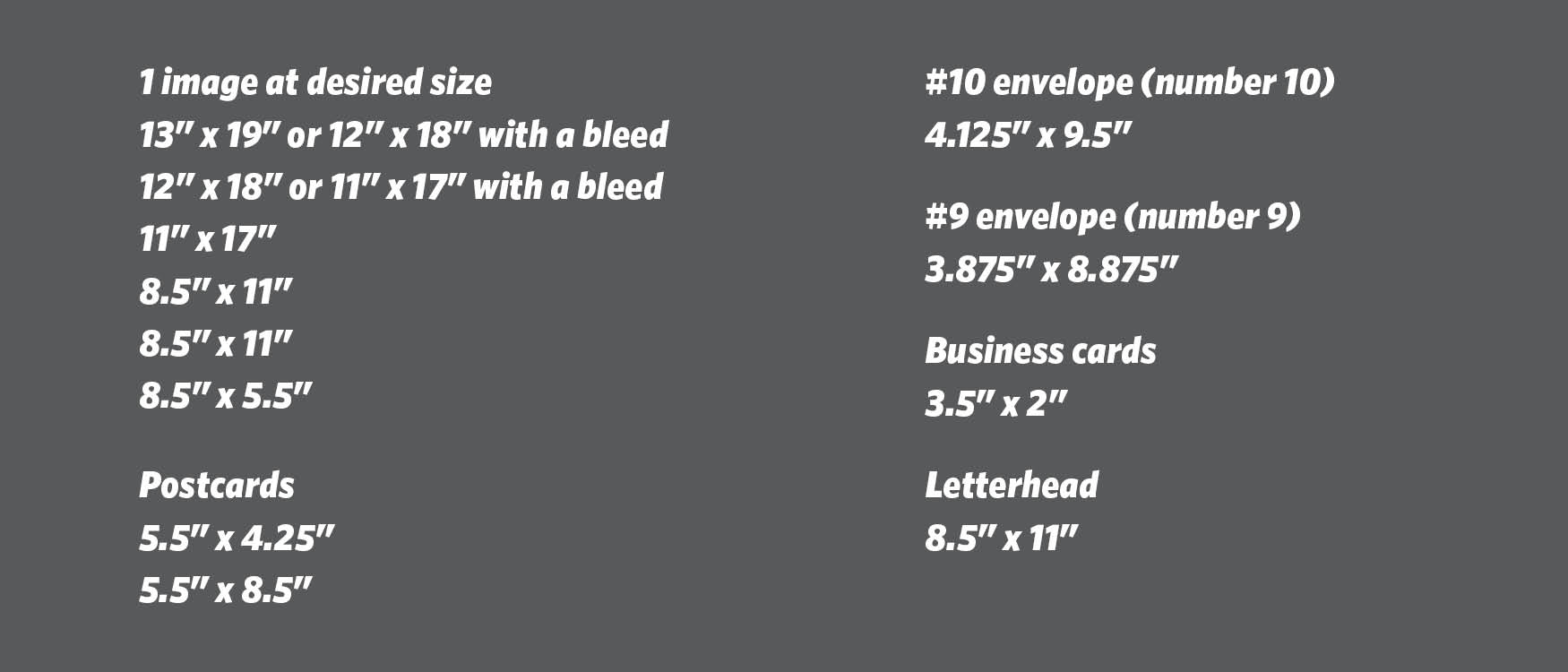
Standard margins and bleeds
All artwork should be set up with a minimum inner margin of .25” on all sides to ensure that none of your content is cut off.
"Bleed" refers to printing that goes beyond the edge of the sheet before trimming. In other words, the bleed is the area to be trimmed off.
If you would like your artwork to run off the edge of your print, your document must be set up with a bleed.
Proper booklet set-up and binding options
Artwork for a booklet should be set up as:
Individual Pages— Consecutive placement of pages by page numbers in multiples of 4 (add blank page). This kind of set-up will require the printer to impose your document. A proof copy is suggested to ensure proper layout.
For a comb-bound booklet, your page count must be divisible by 2 to avoid any blank pages.
Other finishing options
Lamination—Our standard laminate is 3mil semigloss. Remember, that when laminating a document, the final size will be an additional .25” on each side of the printed piece. If you are looking for a specific finish size, please notify us when entering your order.
Hole Drilling—Most common set-up is either a 3-hole punch on the 11” side of a letter size document or two holes on the top edge. If you are requesting custom hole drilling, please contact us when entering your order.